Custom DTF Gang Sheet Transfer – Build Your Own 23.5in Wide Ready to Press
Custom DTF Gang Sheet Transfer – Build Your Own 23.5in Wide Ready to Press
Couldn't load pickup availability
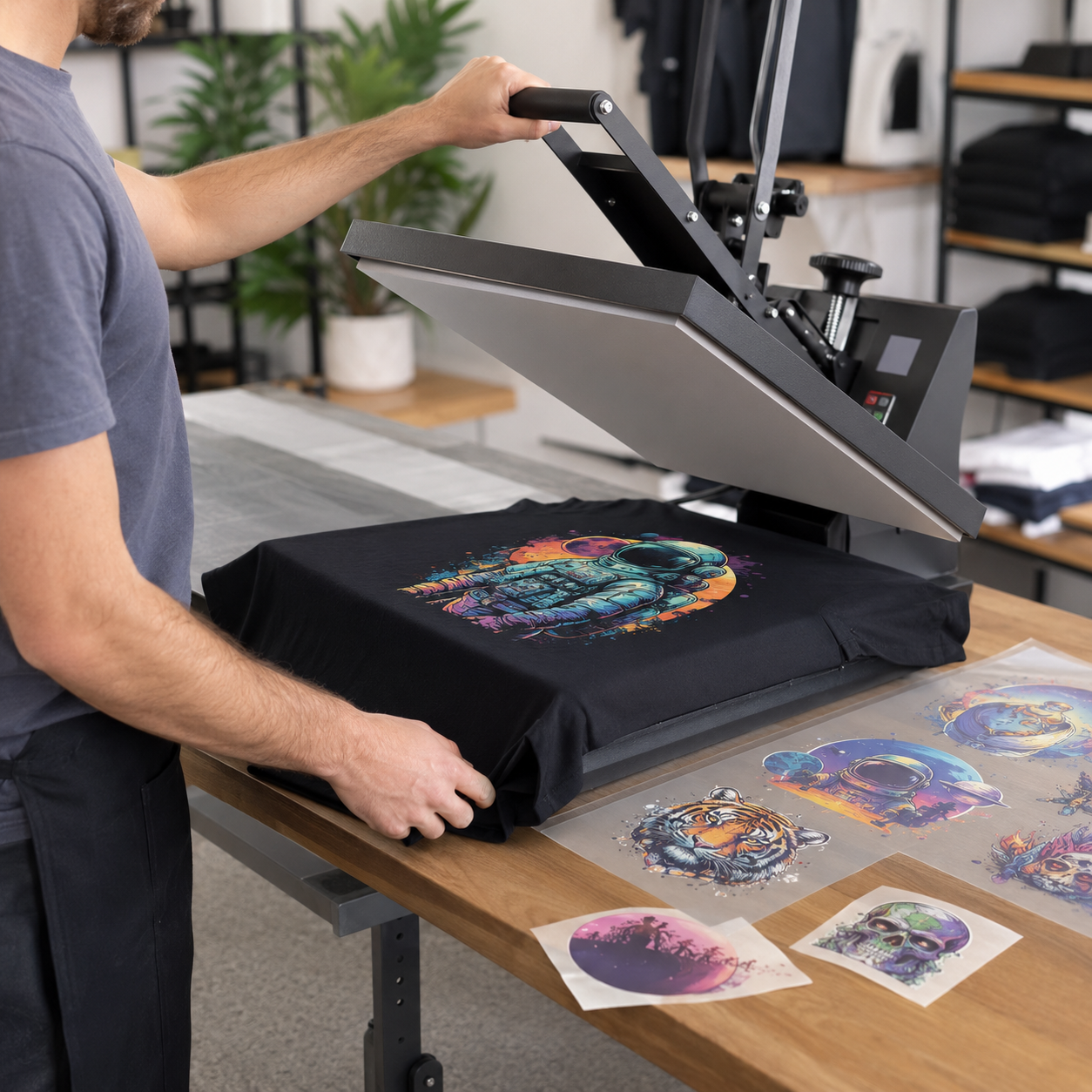
Create a custom 23.5-inch-wide DTF gang sheet using your own logos, artwork, names, numbers, and full-color designs. Arrange multiple graphics on one sheet to reduce waste and prepare transfers for shirts, hoodies, bags, uniforms, and other compatible fabric products.
Choose your gang-sheet size
Available lengths: 2, 3, 5, 7, 10, 15, 18, and 20 feet. All gang sheets are 23.5 inches wide. Select the length that best fits your artwork and production needs.
How to order
- Select the required gang-sheet length.
- Prepare your layout at the exact selected dimensions.
- Upload a print-ready transparent PNG file at 300 DPI through the product customizer.
- Review the entire layout, spelling, image quality, spacing, and dimensions before submitting.
- Your artwork will be printed as submitted unless design assistance is purchased separately.
Artwork requirements
- Transparent PNG preferred
- 300 DPI recommended at final print size
- Use clean artwork with the background already removed
- Keep designs inside the selected 23.5-inch-wide canvas
- Avoid screenshots, blurry images, low-resolution files, and unintended transparent pixels
- Convert text to outlines or flatten the completed design before uploading
DTF transfer features
- Full-color printing with white ink backing
- Ready to apply with a heat press
- Fine-detail and gradient capability
- Works with many cotton, polyester, blend, nylon, and rayon fabrics
- Suitable for light and dark garments
- No garment pretreatment required
Starting heat-press settings
- Pre-press the garment for 5–10 seconds to remove moisture and wrinkles.
- Cotton and blends: 300–320°F for approximately 10–15 seconds.
- Polyester: 260–270°F for approximately 10–15 seconds.
- Wait at least 10 seconds before peeling unless your test indicates otherwise.
- Re-press for 5–10 seconds with parchment paper or a finishing sheet.
Heat presses and fabrics vary. Always test temperature, pressure, pressing time, and peel method before beginning a production run. Slight color differences can occur between screens and finished transfers.
Important: This listing is for printed DTF transfers only. Garments and heat-press application are not included.
Share